 Snapfind
Find any screenshot by the words in it.
Snapfind reads the text in every screenshot on your Mac. Type what you remember and the right one appears.
- booking reference
- wifi password
- npm ERR
- order total
- "error 404"
- check-in
- dentist appointment
- invoice
- tracking number
- meeting link
- OTP
- boarding pass
Nothing to organise. Just type.
No tags, no albums, no renaming files. Point Snapfind at the folder your screenshots land in and it does the rest.
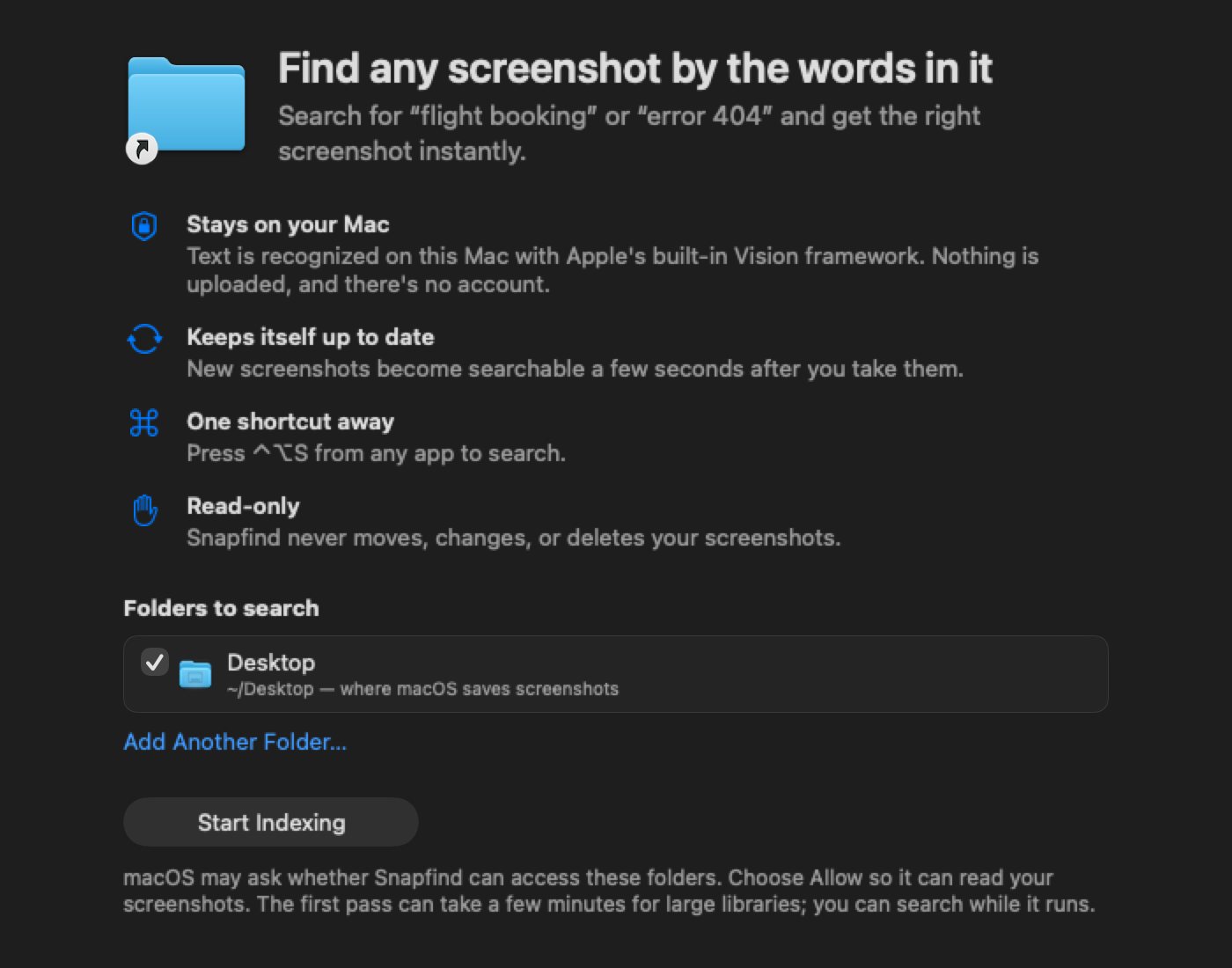
Pick your folders
Snapfind suggests the folder macOS saves screenshots to. Add any other folder with one click.
Snapfind reads the text
Apple's on-device text recognition reads each image, newest first. You can search while it works.
Type what you remember
Press ⌃ ⌥ S from any app. Partial words work, so boo finds "booking".
Built for the moment you need that screenshot.
Every part of Snapfind is designed to get you from "I know I saved it" to the image in a couple of seconds.
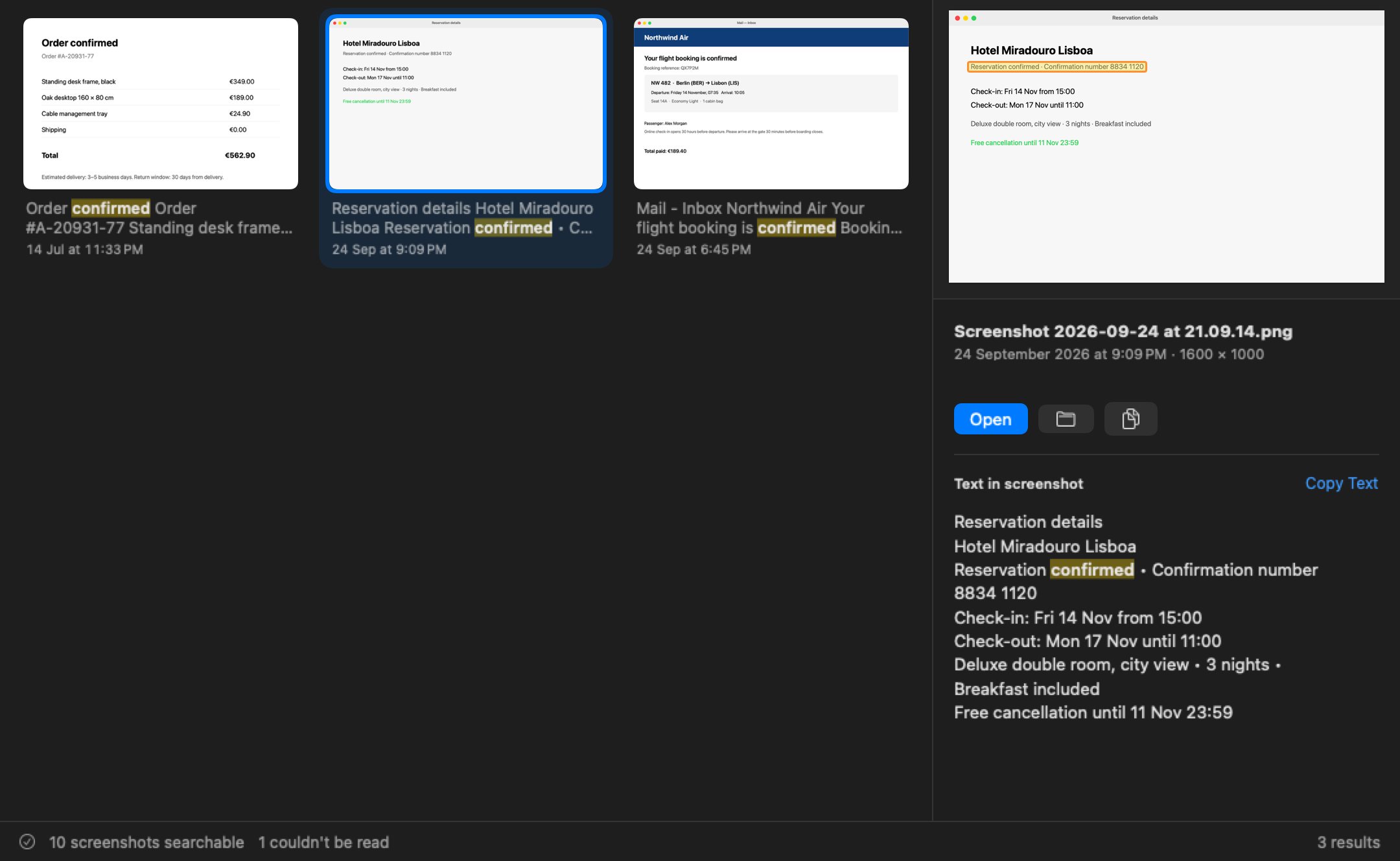
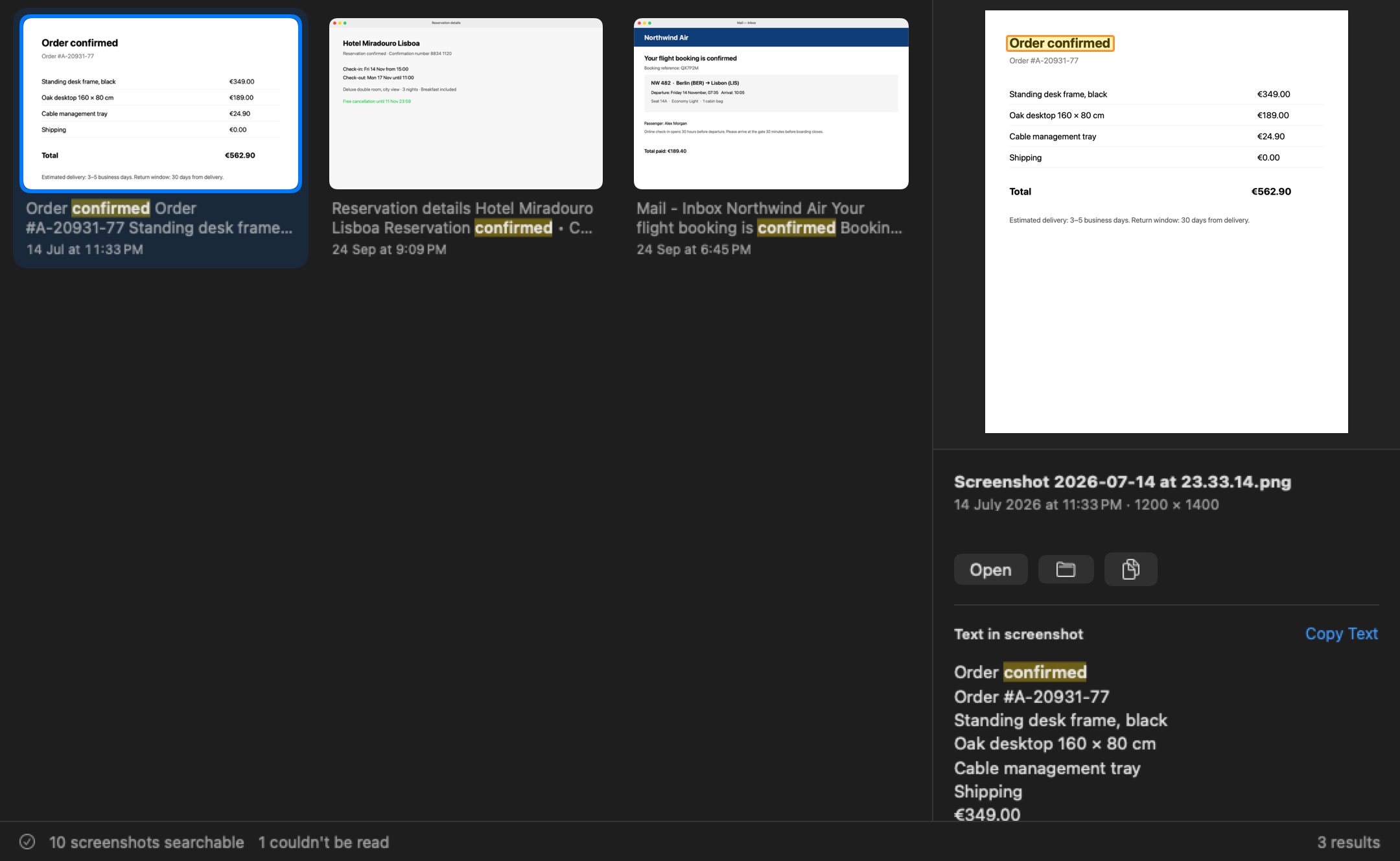
See exactly where it matched
The preview outlines the matching lines on the image and lists all the recognised text, ready to select or copy.
Keyboard first
One shortcut from any app. Arrows to move, Return to open, Space for Quick Look.
Private by design
- Text is read on your Mac
- Only your email to sign in
- Nothing is uploaded
Always up to date
New screenshots are searchable seconds after you take them. Renamed and deleted files are picked up too.
Handles long captures
Tall, scrolling screenshots are read in sections, so text at the bottom of a long page is found too.
Your screenshots never leave your Mac.
Screenshots hold private things: passwords, addresses, bank details, conversations. So Snapfind does all of its work on your computer.
- On-device recognitionUses Apple's Vision framework, built into macOS.
- Read-onlySnapfind never moves, changes or deletes your files.
- No network by defaultIt makes no connections unless you turn on encrypted backup.
Try it free for 14 days.
Every plan includes the full app. Plus adds encrypted backup and sync across up to five Macs.
Personal $2.99 / month
Unlimited screenshots, instant search, previews and every shortcut on one Mac.
Plus $4.99 / month
Everything in Personal on up to 5 Macs, with end-to-end encrypted backup and sync.
Your screenshots, searchable in minutes.
Install Snapfind, pick your folders and start typing. Every plan starts with a 14-day free trial.